
Simplify
Parking Enforcement
with QuickTicket.
Write and print tickets from any Android phone or tablet with QuickTicket, our mobile ticketing app.
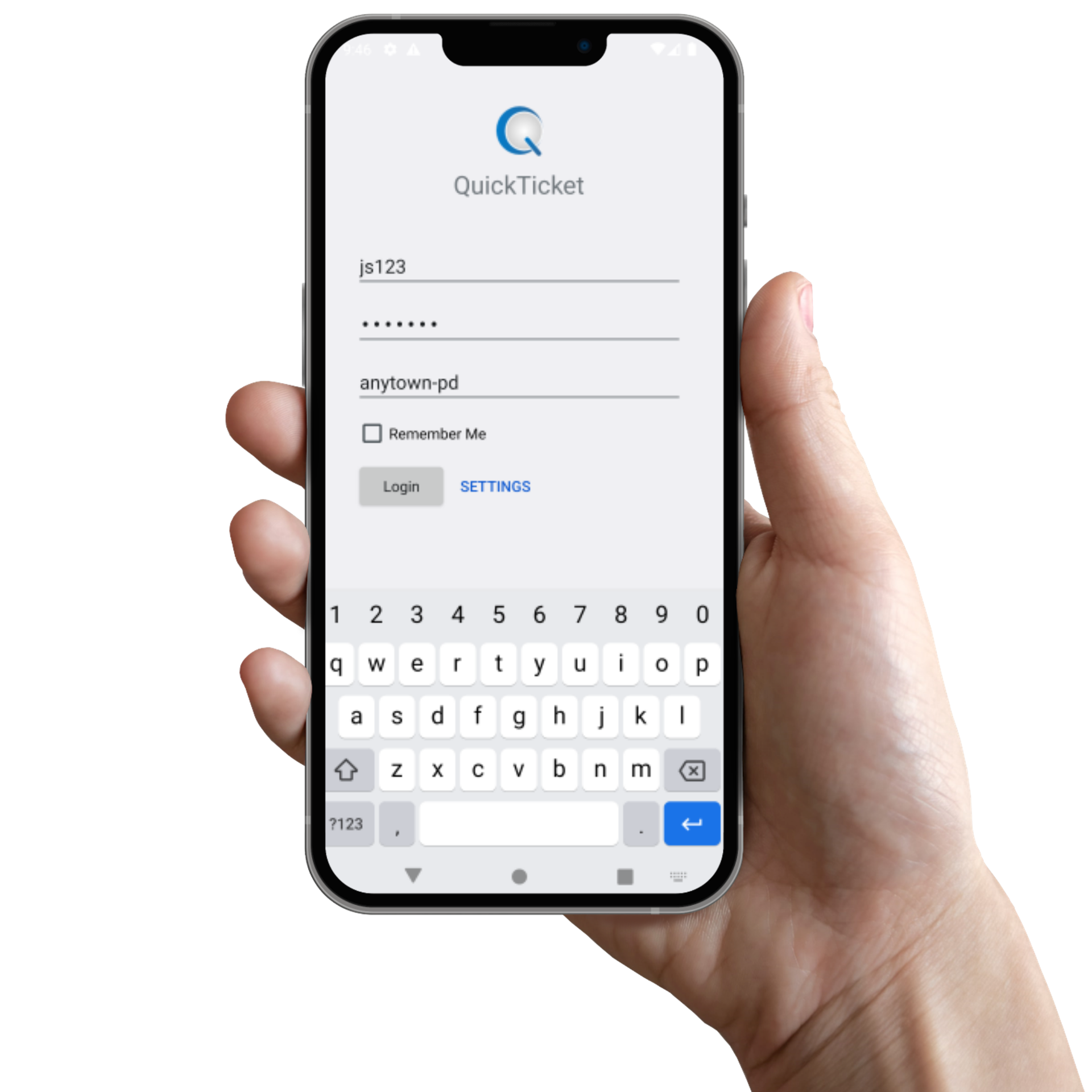
Stop handwriting parking tickets.
QuickTicket is our easy-to-use mobile ticketing app that works on any Android device, such as a phone or handheld tablet, along with a Zebra mobile printer.
It integrates with Informant, allowing you to easily look up vehicles in your database and add new vehicles, and all tickets entered in the app become Ticket records in Informant.
We’ve made parking enforcement as easy as using your phone.
Scroll down to learn more ↓
How it works…
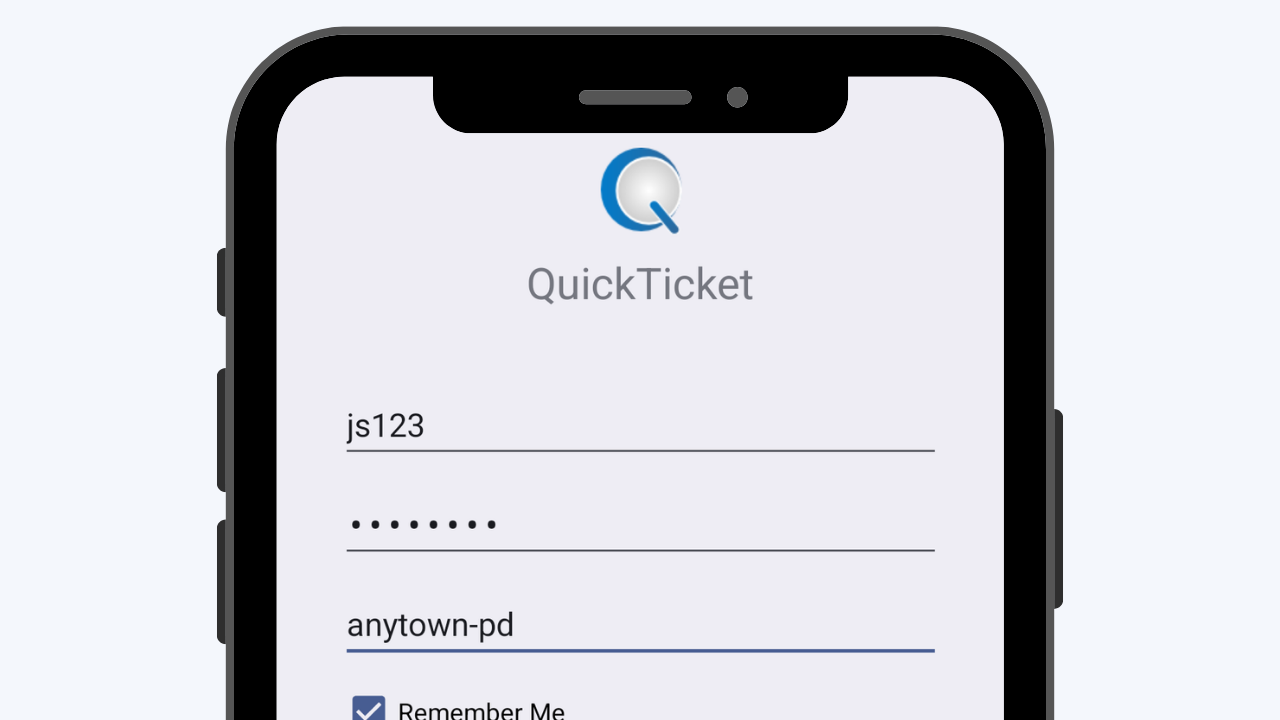
Log in to the QuickTicket app.
Log in to the QuickTicket app on any Android phone or tablet, using the same username and password you use to log in to Informant.
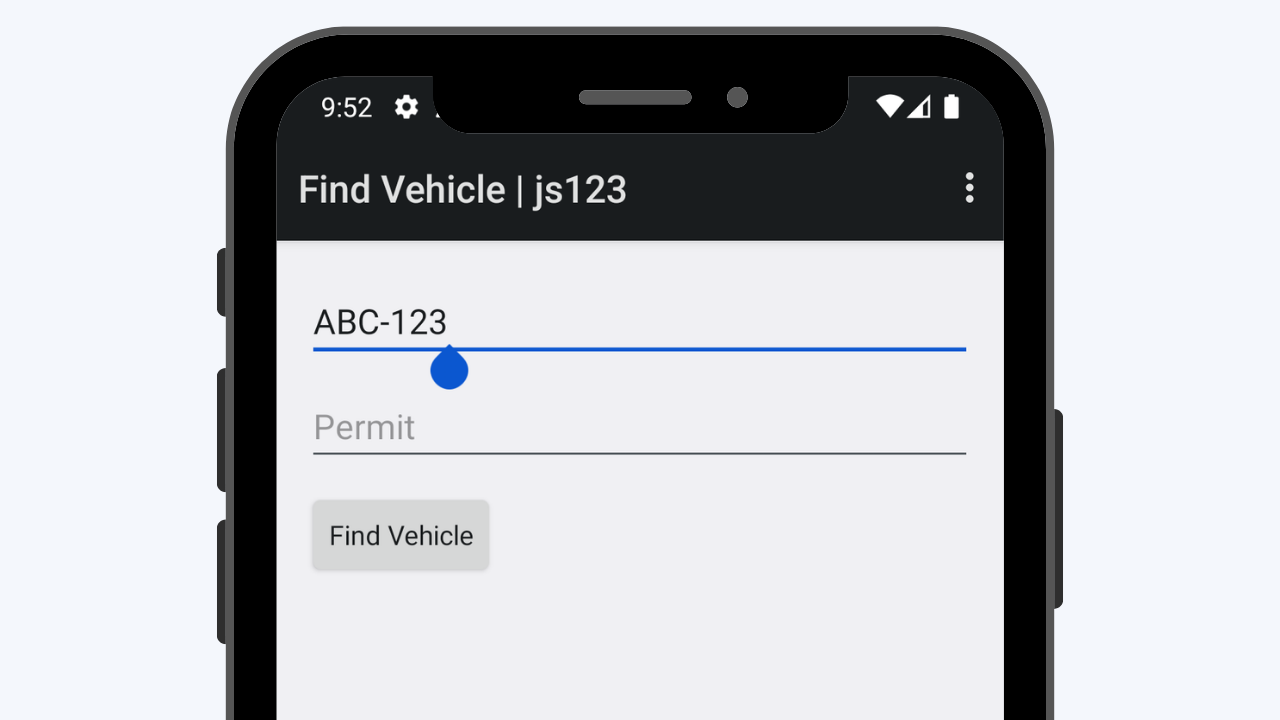
Fill in a few fields.
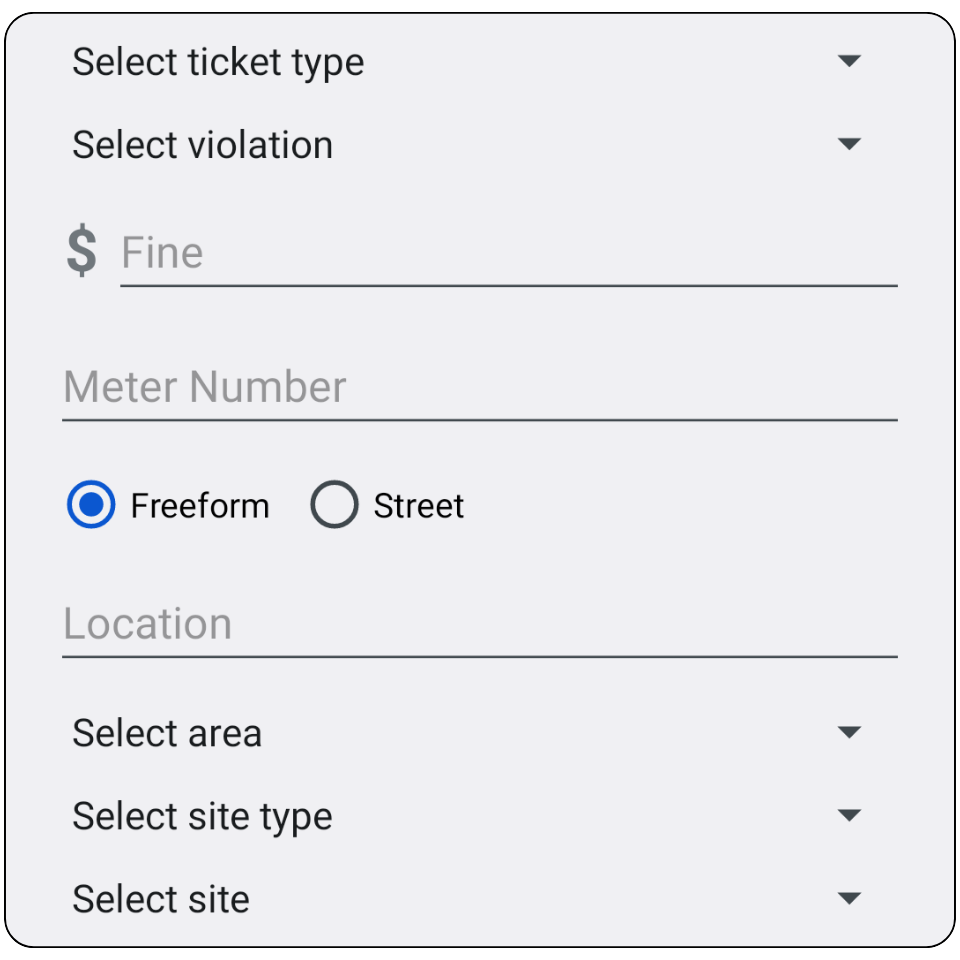
Search for a vehicle in Informant’s master index, add a new vehicle to the database if needed, and then fill in a few key details, such as fine amount, violation, and vehicle location.
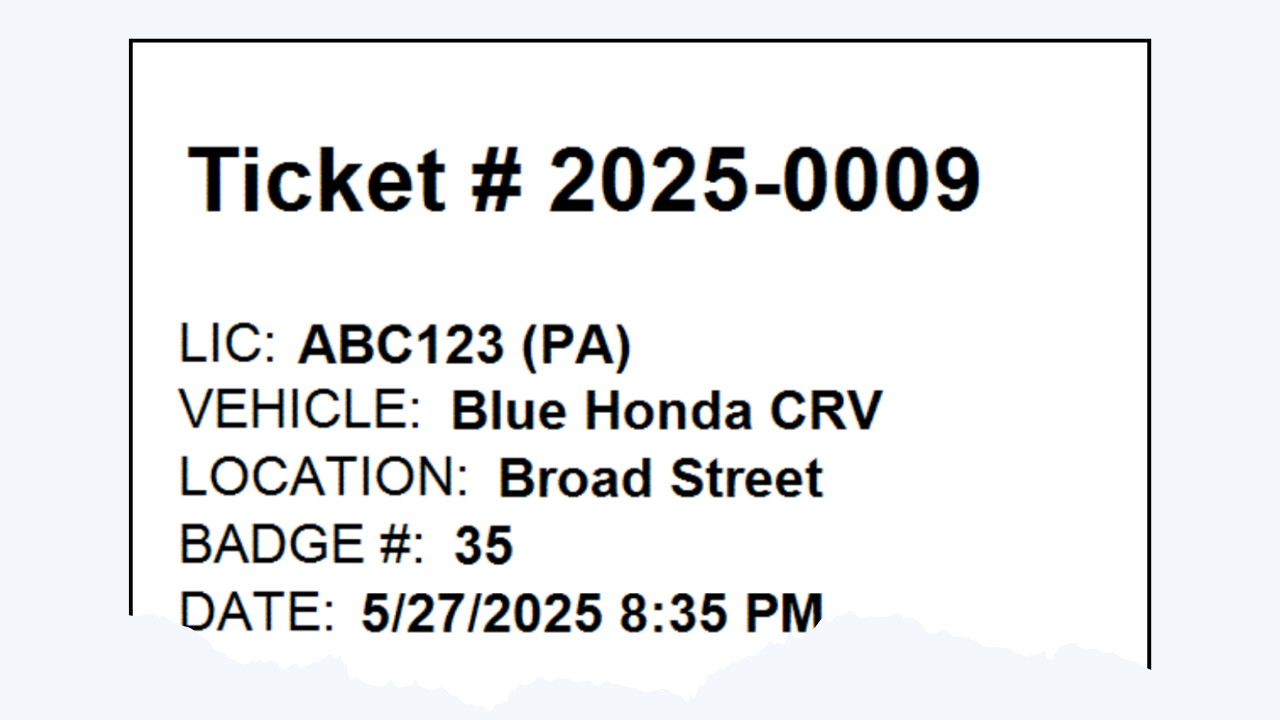
Print the ticket.
Print the ticket, place it in an envelope, and affix it to the vehicle. Tickets can be configured with a custom header and footer to include your logo, address, and payment instructions.
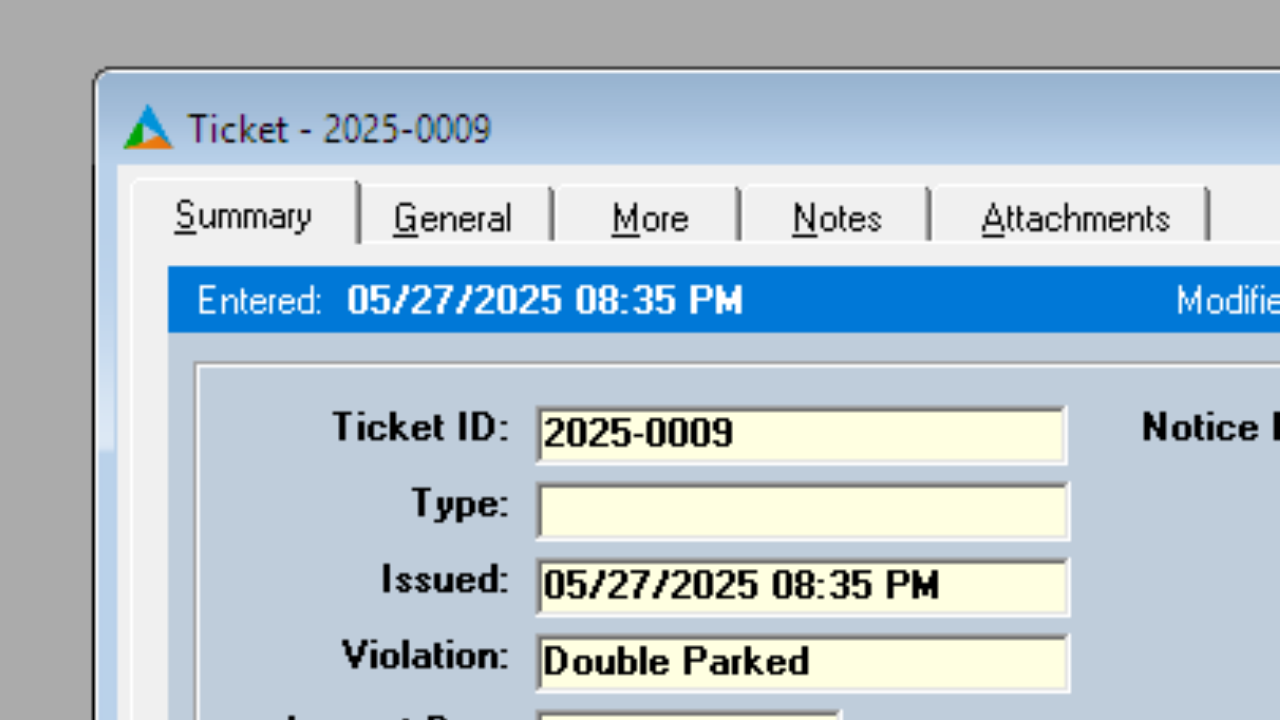
A Ticket is automatically created in Informant.
All tickets entered in the QuickTicket app automatically go into Informant, avoiding double data entry. This makes updating tickets and running reports against tickets quick and easy.
Learn more about this feature
If you have this feature and want to learn more about it: click the Help menu in Informant and select Informant Help Center, then look for “QuickTicket.”
Get this feature
If you don’t have this feature yet, get in touch with our team and ask how you can get it.