
Fill in and print
PA Non-Traffic Citations
with ease.
It’s never been easier to issue citations.
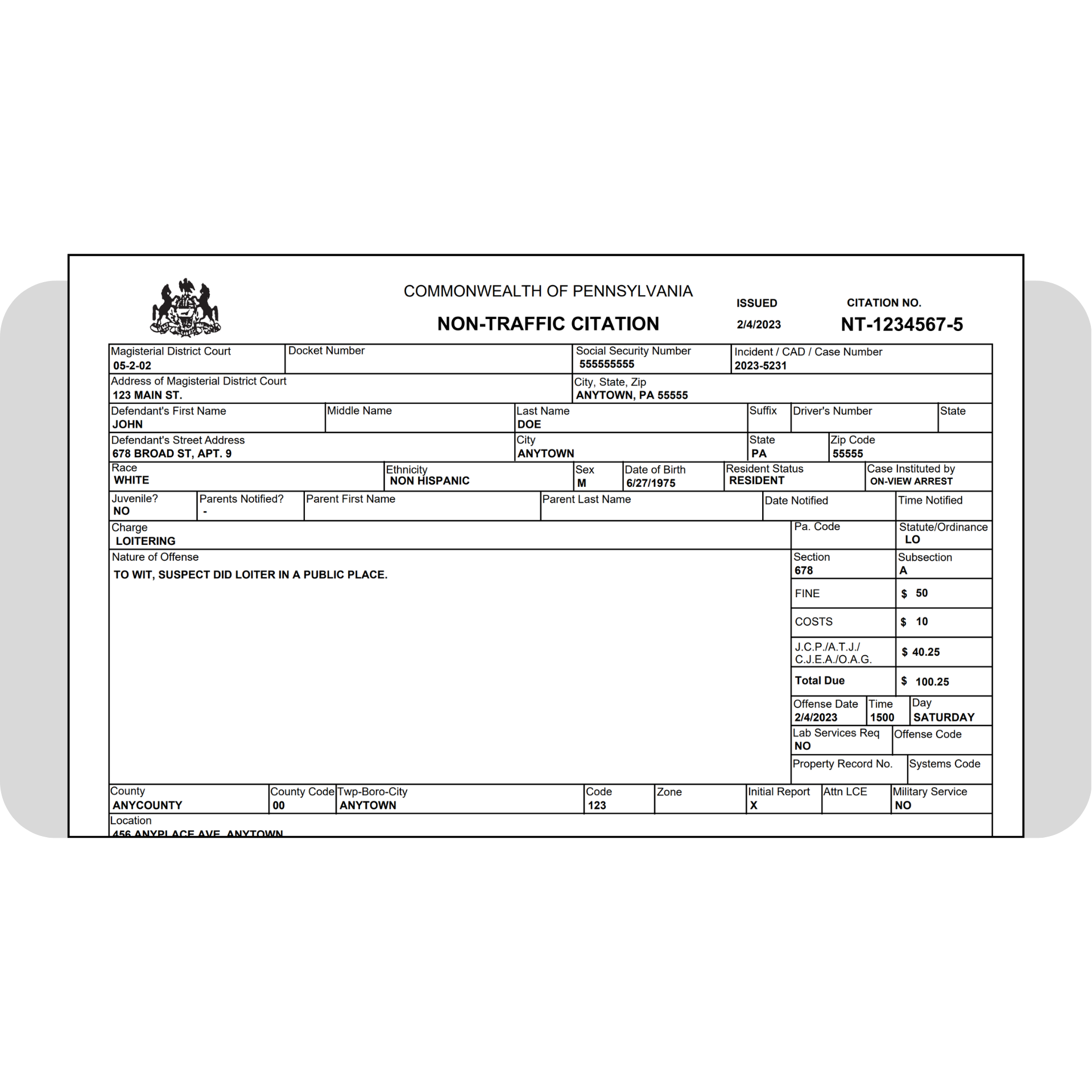
Less typing. Less work.
No more handwriting citations or painstakingly typing information into a Word document or fillable PDF form.
Use Informant’s Forms Manager to generate PA Non-Traffic Citations and print all the forms you need (defendant’s copy, MDJ’s copy, and your copy) with just a few clicks.
This feature is included in the Enhanced, Elite, and Enterprise editions of Informant, and is available for purchase for customers on the legacy Professional Services (PS) edition.
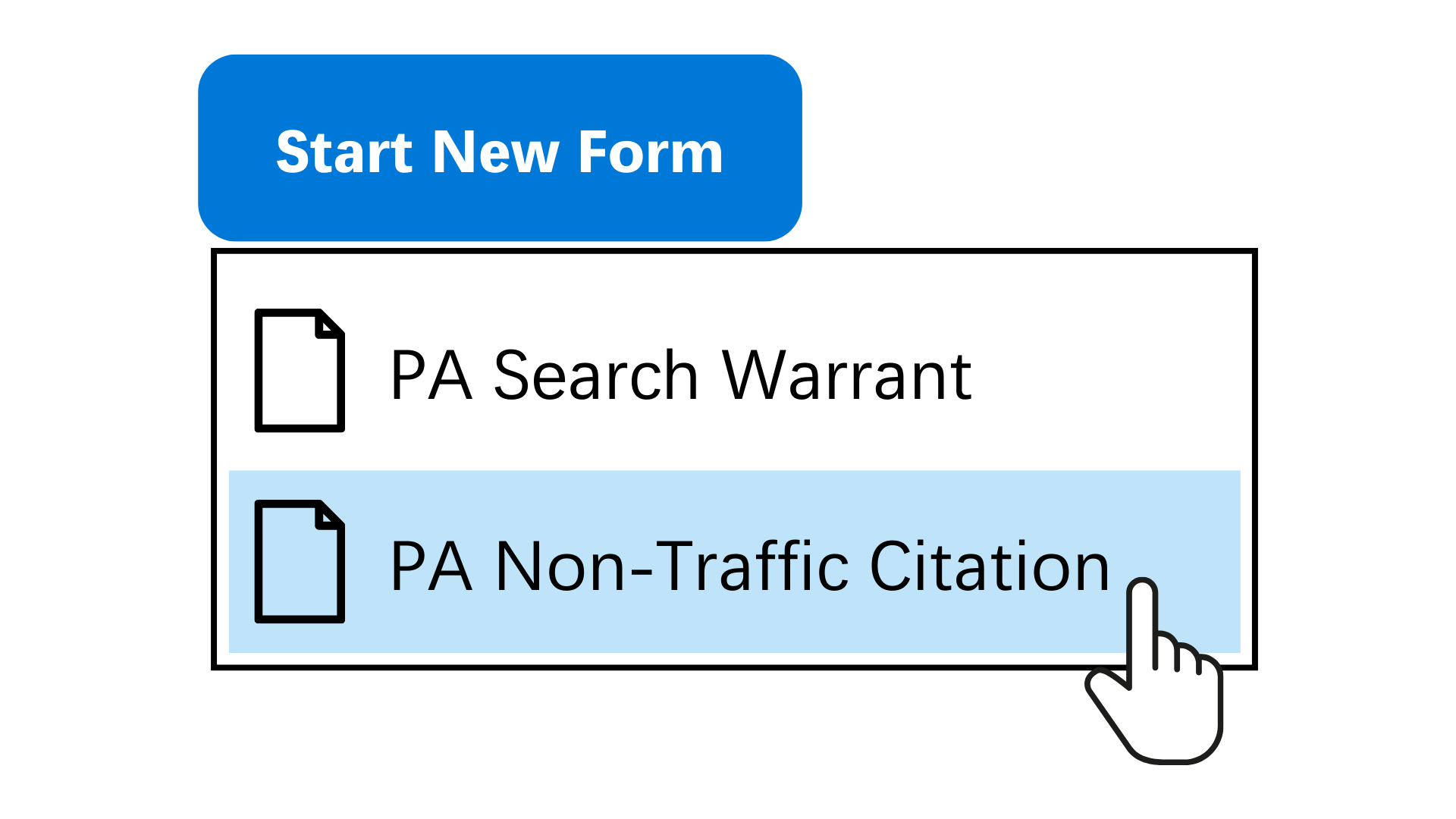
Create a non-traffic citation from an Incident record.
Open the Forms Manager from an Incident and start a new PA Non-Traffic Citation form.

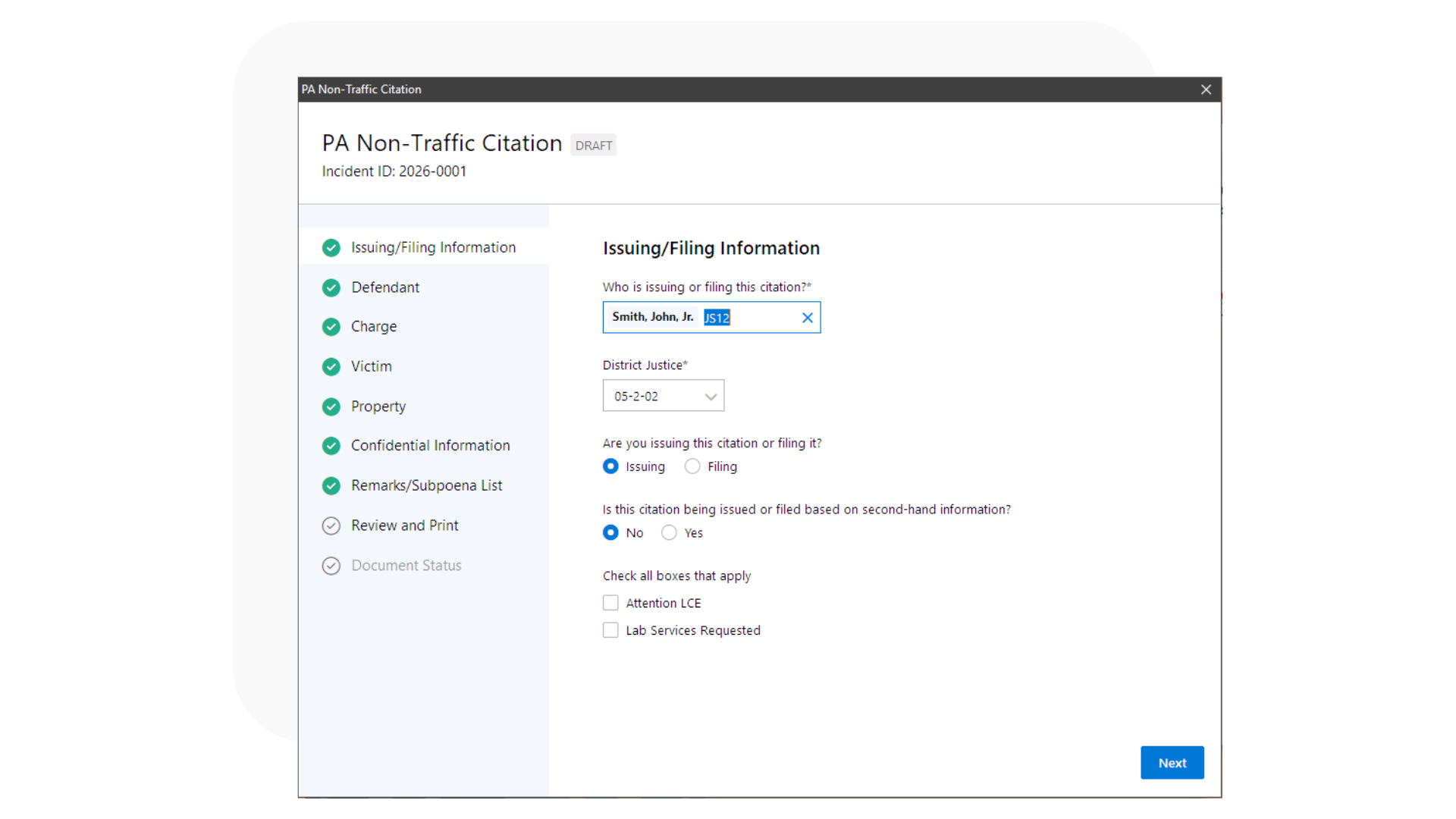
Fill in a few fields.
Fill out your citation quickly and easily by clicking through an easy-to-use wizard interface, with most of the data pre-filled for you.

Print all the citation forms you need.
After you’re done, preview and print your citation for issuing and/or filing. Fill in the form one time and print all the copies you need (defendant, MDJ, and your copy) without retyping.

A Citation record is created for you.
A Citation record is automatically created in Informant using the data in the form, saving you even more time and allowing the citation to be included in reports generated from Informant.
Learn more about this feature
If you have this feature and want to learn more about it: click the Help menu in Informant and select Informant Help Center , then look for “Generating a PA Non-Traffic Citation” under “PA state forms.”
Get this feature
If you don’t have this feature yet, get in touch with our team and ask how you can get it.